Skip to content
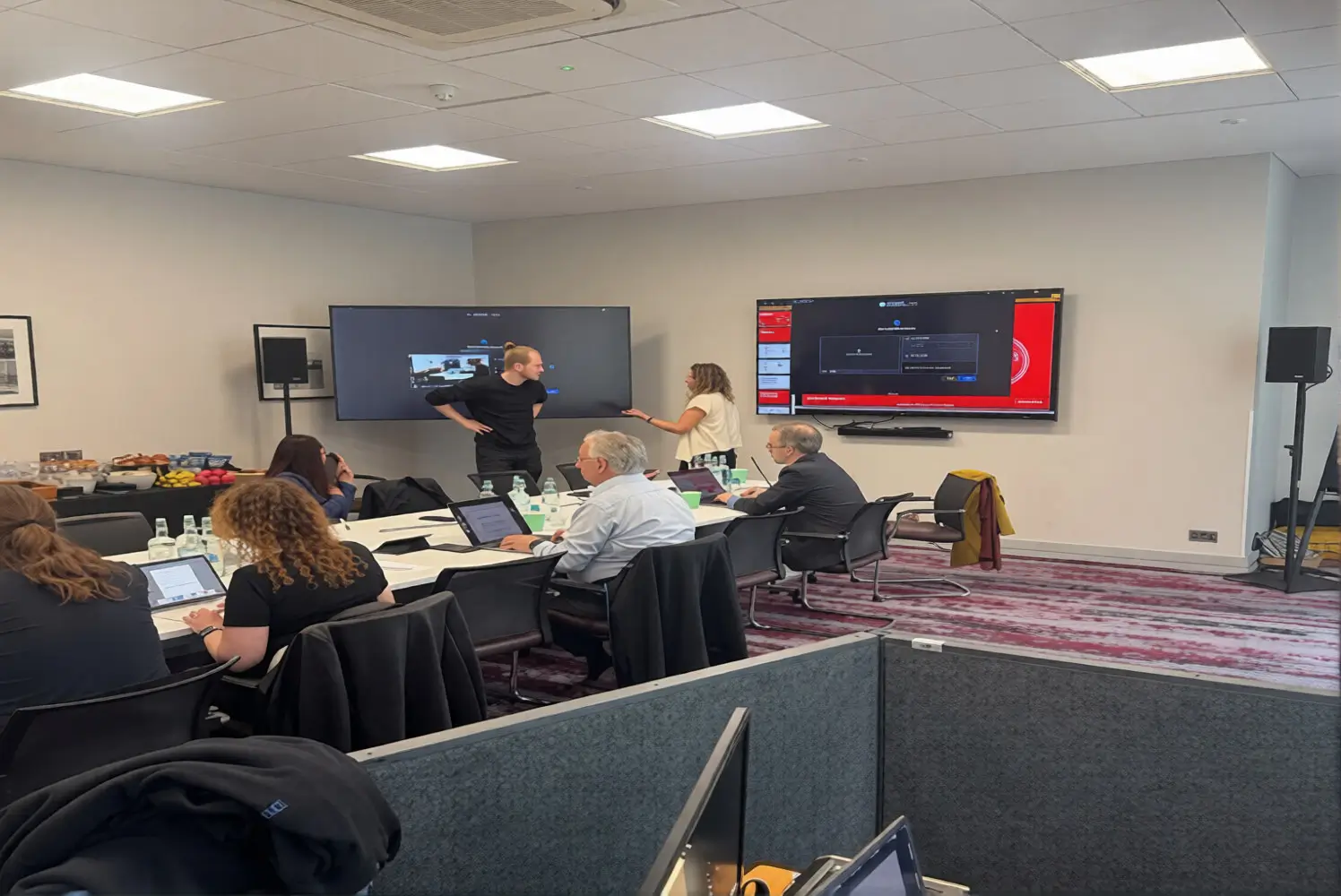
You can hire screens and audio for London meetings directly from EMS Events. The team supplies presentation screens, projectors, microphones, PA systems, speakers, cabling and on-site technical support while also managing delivery, installation, equipment testing and collection at venues across London.
A London meeting may only need one presentation screen and two microphones, but the equipment must still suit the room, audience and presentation format.
Venue access, room brightness, seating positions, laptop connections and setup times can all affect the final arrangement. EMS Events provides audio visual hire in London, helping businesses manage these practical details alongside the equipment itself.
Where can you hire screens and audio for a London meeting?
You can hire meeting screens and audio through a venue’s in-house AV department, an equipment rental company or a full-service provider such as EMS Events. A full-service supplier is the most practical choice when you need one team to manage delivery, installation, testing and technical support.
| Hiring option | Best suited to | Main advantage | What to check |
| Venue AV team | Simple meetings using existing venue equipment | Easy access to the room | Equipment choice and compulsory charges |
| Equipment-only company | Organisers with their own technical support | Flexible equipment rental | Delivery, installation and collection |
| Full-service AV provider | Meetings requiring a managed setup | One team for equipment and support | Labour, timings and quote inclusions |
Venue equipment can work well for a straightforward meeting. However, the available screens, microphones or speakers may be limited.
An equipment-only supplier may provide more choice, but the quotation may not include installation or an on-site technician. At EMS Events, we can manage the full setup, from recommending the equipment to testing it before attendees enter the room.
What screens work best for business meetings?
Professional 4K displays usually work well for small and medium-sized business meetings. Larger rooms may require projection, multiple relay screens or an LED screen so that attendees can read presentations clearly from every seating position.
A large display on a floor stand is suitable for board meetings, workshops, and smaller seminars. The image remains visible in rooms where natural or overhead lighting cannot be reduced.
Projectors can create a larger image, although brightness, throw distance, and screen position must be checked carefully. In brighter rooms, an LED screen may provide stronger visibility.
The correct option depends on:
- Audience size
- Furthest viewing distance
- Room brightness
- Seating layout
- Presentation content
- Available installation space
- Venue access restrictions
Some rental companies like EMS Events in London offer professional screen hire in London, with different screen sizes, stands, connections and display formats available for corporate meetings.
What audio equipment does a meeting need?
Meeting audio depends on the size of the room, the number of speakers and how the audience will participate. A small boardroom may not need amplification, while an AGM, panel session or company presentation normally requires microphones and controlled sound coverage.
Lapel microphones allow presenters to speak while keeping their hands free. Handheld microphones work well for audience questions and informal discussions.
Lectern microphones suit formal presentations, while headset microphones can help speakers who move around the stage or room.
A typical meeting audio setup may include:
- PA speakers
- Wireless microphones
- Lapel or headset microphones
- Handheld audience microphones
- Audio mixer
- Laptop audio connections
- Video playback equipment
- Backup microphones and batteries
Adding more speakers does not automatically improve sound quality. Their position and volume must be planned around the room. Speakers should distribute speech evenly rather than simply add volume. A mixer may control several microphones, video playback, audio, and sound from remote contributors. PA system hire in London can include both the equipment and its technical operation.
What should you include in an AV hire brief?
An AV hire brief explains what is happening, where it is taking place, and what attendees must see and hear. A clear brief helps the supplier recommend suitable equipment, estimate labour requirements and identify venue restrictions before preparing the quotation.
Include:
- Meeting date, venue and room.
- Access, setup and breakdown times.
- Attendee numbers and seating layout.
- Number of presenters and panel members.
- Presentation, video and audio formats.
- Screen positions and visibility needs.
- Number and type of microphones.
- Video conferencing or recording needs.
- Presenter laptops and connections.
- Rehearsal and soundcheck time.
- On-site technician requirements.
Send room photographs and venue specifications where available. Confirm whether presenters will use HDMI, USB-C or another connection. A missing adapter can still delay the presentation.
What should a London AV hire quotation include?
An AV quotation should separate equipment, labour, transport, and optional services. This makes suppliers easier to compare and exposes costs that may arise from restricted access, overtime, or changes to the meeting format.
Check whether the price covers delivery, collection, installation, breakdown, cabling, adapters, technician hours, rehearsal time and backup equipment. It should also explain VAT, parking, overtime and cancellation terms.
The lowest equipment price is not always the lowest delivered cost. EMS Events’ latest guide to planning a corporate AV budget explains how equipment, labour and venue charges connect.
How should you compare London AV hire companies?
Compare suppliers by technical capability, service scope, venue experience and support rather than price alone. The chosen company should understand the complete meeting format and accept clear responsibility for preparing, testing and operating the agreed system.
Ask whether the supplier can:
- Provide both screens and audio.
- Communicate directly with the venue.
- Install and test each connection.
- Supply backup microphones and adapters.
- Support remote speakers.
- Provide technicians during the meeting.
- Adapt if the room or schedule changes.
- Issue an itemised quotation.
Venue checks, rehearsals and backup equipment reduce the risk of failed presentations. So, it’s a must-have to check everything to prevent technical failure at corporate events.
Why hire screens and audio from EMS Events?
EMS Events provides screen hire, audio equipment, microphones, PA systems and technical support for meetings and corporate events across London. The team can manage the full AV requirement rather than leaving different suppliers responsible for separate parts of the setup.
Before recommending equipment, the team can review:
- Room size and layout
- Audience numbers
- Presentation content
- Number of speakers
- Venue access times
- Hybrid meeting requirements
- Speaker and screen positions
- Installation and breakdown needs
This joined-up approach gives the organiser one technical contact throughout the planning and delivery process.
Equipment is installed and tested before the meeting begins. A technician can also remain on site to manage presentations, microphone changes, video playback and remote participants. Preparation is particularly important when venues have limited loading times or when several presenters are using different devices.
Plan your London meeting AV with EMS Events
The right supplier should provide equipment that fits the room, manage venue access, test every connection and give you one technical contact. Planning a London meeting? Contact the EMS Events team about screen hire, audio equipment and on-site support.
FAQs
What AV equipment do I need for a business meeting?
Most meetings need a display or projector, suitable laptop connections and presentation audio. Microphones and speakers may also be required for larger rooms, panel discussions or remote participants.
Is a television or projector better for a meeting room?
A professional display suits smaller, brighter rooms. Projection may suit a larger room when lighting can be controlled, and enough space is available for safe projector placement.
Do I need a sound system for a small meeting?
A small boardroom may not need amplification. Sound equipment becomes more useful for audience questions, recorded presentations, panels and hybrid meetings.
Does AV hire include delivery and setup?
Not always. Ask whether the quote includes delivery, installation, testing, technician support, breakdown and collection, then confirm each responsibility in writing.
How far in advance should I book meeting AV in London?
Book once the venue, date and format are confirmed. Earlier planning helps when access is restricted, equipment is specialised or remote participation is required